CivicBell3.1
Publisher Description
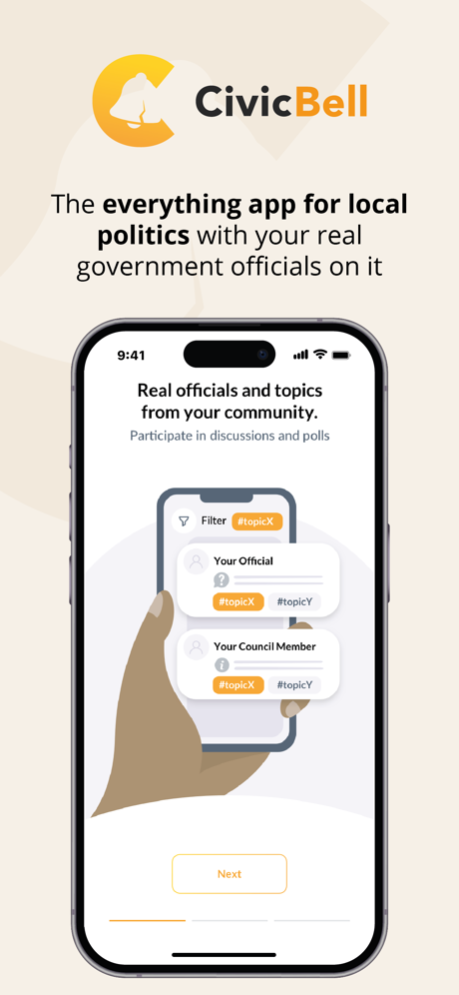

CivicBell is a non-partisan democracy platform that is intended to promote productive and functioning governance for a representative democracy. The platform provides a news feed style interface for government agencies, local elected officials and public officials to engage with their constituents on topics pertinent to the districts they represent and live in.
CivicBell provides:
-Automatic links between residents and all the government districts they live in (and subsequently, all the officials and agencies that represent those districts).
-A foundation of trust because all users are verified as real people; keeping bots and offshore actors out of government decision making. All active engagement is by users with a verified identity.
-Government agencies, elected officials and public officials a place to reach their constituents in a simple and productive manner.
-The ability for government accounts to communicate information, host surveys, and open discussion boards for their constituency.
Other features of CivicBell:
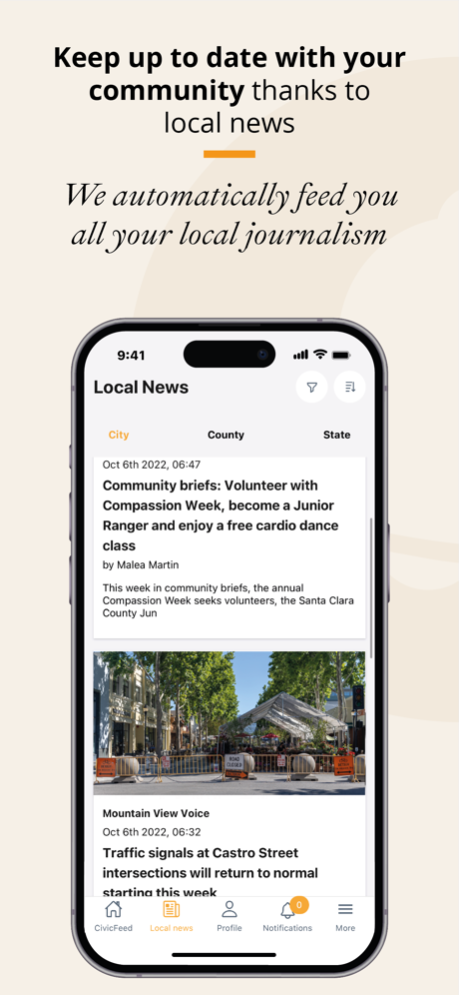
-Local News: Automatic link to all your local news sources, also the ones you didn’t know existed, in an effort to promote connection with local journalism while encouraging and strengthening local communities.
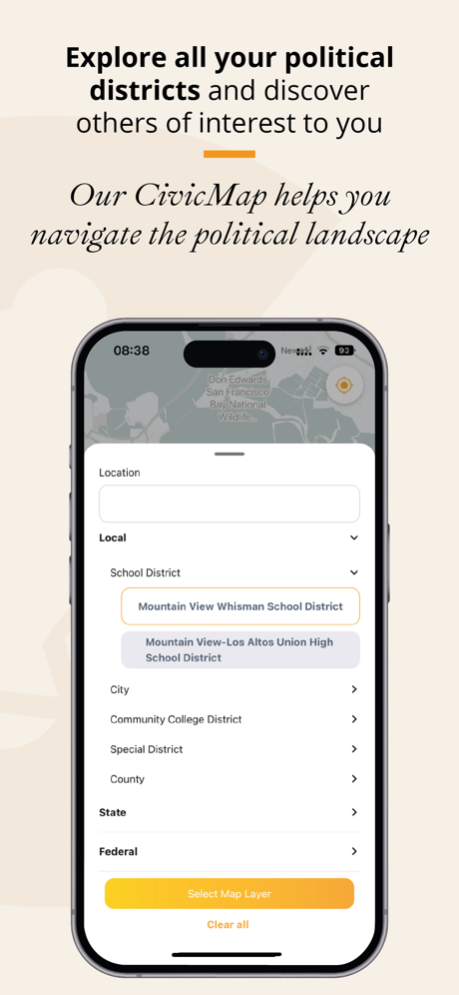
-CivicMap: Zoom in-and-out to see all the different districts you are a part of; from school districts to fire districts, water districts, city, county, and state, etc. This allows you to see who the officials are that work at each level. You are able to see and follow officials from other geographic districts from yours as an observer.
Mar 1, 2024
Version 3.1
- Minor bug fixes
About CivicBell
The company that develops CivicBell is CivicBell, LLC. The latest version released by its developer is 3.1.
To install CivicBell on your iOS device, just click the green Continue To App button above to start the installation process. The app is listed on our website since 2024-03-01 and was downloaded 1 times. We have already checked if the download link is safe, however for your own protection we recommend that you scan the downloaded app with your antivirus. Your antivirus may detect the CivicBell as malware if the download link is broken.
How to install CivicBell on your iOS device:
- Click on the Continue To App button on our website. This will redirect you to the App Store.
- Once the CivicBell is shown in the iTunes listing of your iOS device, you can start its download and installation. Tap on the GET button to the right of the app to start downloading it.
- If you are not logged-in the iOS appstore app, you'll be prompted for your your Apple ID and/or password.
- After CivicBell is downloaded, you'll see an INSTALL button to the right. Tap on it to start the actual installation of the iOS app.
- Once installation is finished you can tap on the OPEN button to start it. Its icon will also be added to your device home screen.
Program Details
System requirements
Download information
Pricing
Version History
version 3.1
posted on 2024-03-01
Mar 1, 2024
Version 3.1
- Minor bug fixes
version 2.0
posted on 2023-10-31
Oct 31, 2023
Version 2.0
- Bugfixes for Community Issue
version 1.9
posted on 2023-10-08
Oct 8, 2023
Version 1.9
Introducing Community Issues: Voice pertinent issues in your community, propose solutions, and find supporters who agree these are issues worth discussing. As with everything on CivicBell, this is only open to registered residents. You have the peace of mind that your Community Issues are only being discussed among real people who live in an area the issue pertains to. After the discussion period is over, your elected officials will automatically be informed!
version 1.8
posted on 2023-08-24
Aug 24, 2023
Version 1.8
- Revised our Notification System allowing users more flexibility if and when they want to receive our notifications
version 1.7
posted on 2023-08-17
Aug 17, 2023
Version 1.7
- Minor performance improvements
- Added onboarding screens for first-time users
version 1.6
posted on 2023-07-24
Jul 24, 2023
Version 1.6
- Revamped our post look & feel so it's easier for you to understand where government official are asking for your input
- Created a custom-made text editor for CivicBell, so posts look identical on web and mobile and provide an easier editing experience for government officials
- Fixed a variety of minor bugs
version 1.5
posted on 2023-07-01
Jul 1, 2023
Version 1.5
- Critical bug fix: Registration wouldn't work for some users as the phone verification code couldn't be sent.
- Added ability to delete your account right from within the application
